
Contact WinBerry Canada — Support Channels and Response Times
WinBerry delivers round-the-clock support for Canadian players through multiple channels, ensuring assistance is always within reach whether you’re troubleshooting a deposit or verifying your account. The platform prioritizes swift, knowledgeable responses that keep the gaming experience seamless and enjoyable.
Support Channels Available at WinBerry · Hours and Language Availability · How to Open a Support Ticket · What Information to Have Ready · Expected Response Times
Support Channels Available at WinBerry
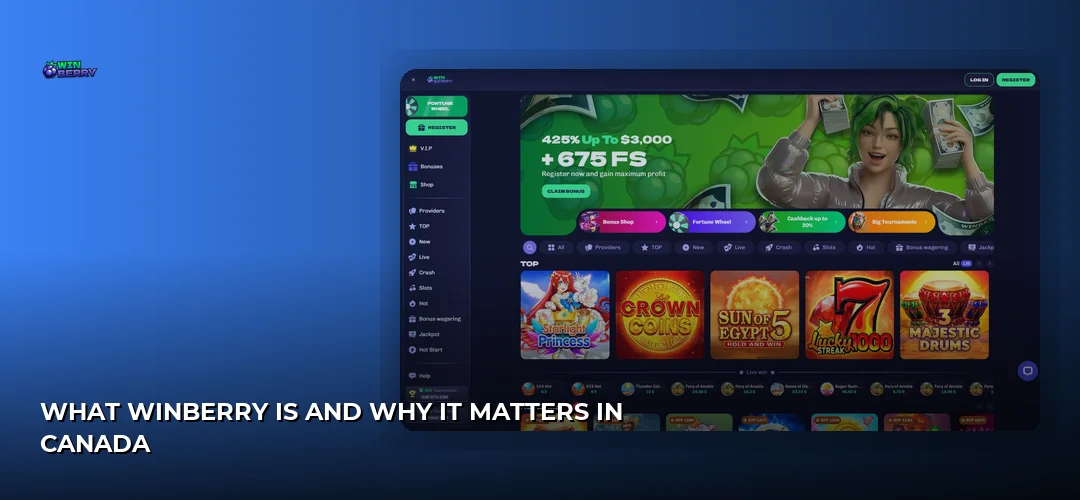
- Live Chat: The fastest route to real-time assistance, accessible directly from the bottom-right corner of any page on the WinBerry platform
- Email Support: Ideal for detailed inquiries, document submissions, and issues requiring written records — players can reach the team through the contact form in their account dashboard
- Help Centre: A searchable knowledge base covering FAQs, WinBerry deposits and withdrawals guides, and account management tutorials for self-service resolution
Hours and Language Availability
| Channel | Availability | Languages |
|---|---|---|
| Live Chat | 24/7 | English, French |
| 24/7 (response within business hours) | English, French | |
| Help Centre | 24/7 Self-Service | English |
How to Open a Support Ticket
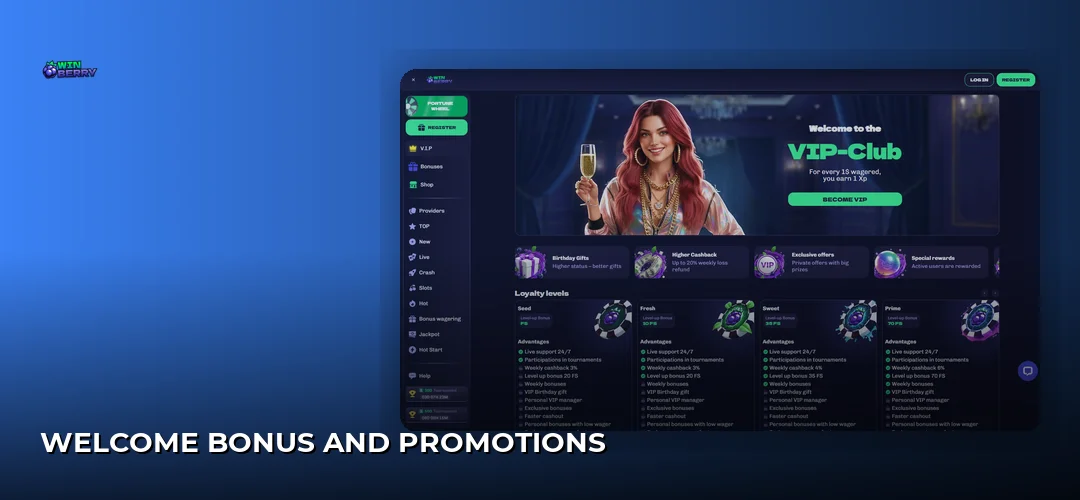
| Step | Action | Description |
|---|---|---|
| 1 | Log in to your account | Access the WinBerry platform using your registered credentials |
| 2 | Click the Chat Icon | Located in the bottom-right corner of the screen on desktop or mobile |
| 3 | Select Contact Support | Choose this option from the chat menu to initiate a ticket |
| 4 | Describe your issue | Provide a clear, concise summary of the problem or question |
| 5 | Attach relevant files | Upload screenshots or documents if applicable to your inquiry |
| 6 | Tap Submit | Your ticket enters the queue and you receive a confirmation number |
What Information to Have Ready
- Username or Registered Email: Allows the support team to locate your account instantly
- Transaction ID: Essential for deposit or withdrawal inquiries — found in your transaction history
- Screenshots: Visual evidence helps agents diagnose technical issues or errors quickly
- Device and Browser Details: Specify whether you’re on mobile or desktop, plus the browser version
- Clear Issue Description: A brief summary of what happened, when it occurred, and any error messages displayed
Expected Response Times
| Channel | First Response | Resolution Time |
|---|---|---|
| Live Chat | Under 5 minutes | Immediate to 24 hours depending on complexity |
| Account Verification |
Live chat remains the recommended channel for urgent matters. Complex cases involving document verification or payment investigations may require additional processing time.
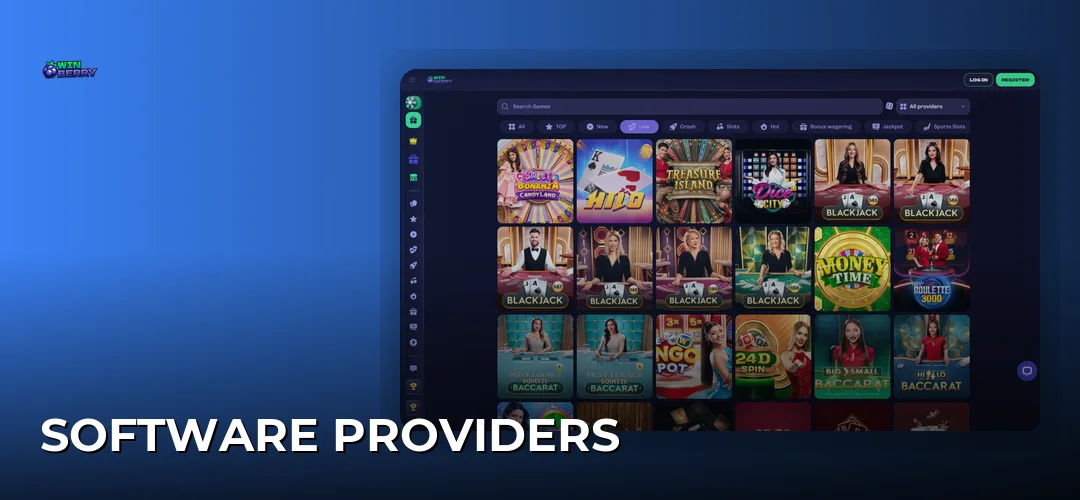
Canadian players can reach WinBerry support through live chat available 24/7 on the platform, accessible via the chat icon in the bottom-right corner of any page. The Help Centre also provides self-service answers for common questions about WinBerry bonuses and promotions, payments, and account settings.
WinBerry support operates 24 hours a day, 7 days a week for live chat inquiries. This around-the-clock availability ensures Canadian players in any time zone can receive assistance whenever needed, whether early morning in Vancouver or late night in Toronto.
WinBerry support serves Canadian players in both English and French, reflecting Canada’s official bilingual status. Live chat agents can assist in either language, making the platform accessible to players across all provinces and territories.
Ready to experience WinBerry’s player-first support? and claim up to 2250 CAD + 675 FS to start playing today.